📌 Featured
MarginNote 5 adds a configurable template system, whole-card handwriting and a clearer path from reading to recall. Explore how these changes work alongside excerpts, mind maps and review.
Copy a template, adjust its supported modes, tools and menus, and reuse your setup. Standard, Card Practice and Reading Vocabulary show different ways to configure the same interface system.
● Foundational 📇MN's smallest unit of data is not "a PDF highlight + a notes-app note + an Anki card" — three separate things. It is one card, rendered as a highlight in the document view, as a node in the mind map, and as a flashcard in review mode. Excerpt once, take effect in three places.
● Live 🔗Each card's title becomes a keyword; its annotation becomes the definition. When you read a new document, concepts that appeared in past notes light up automatically on the new page. No clicking, no searching, no manual link-building required.
● Live 📝New in MN4: long-press anywhere on a PDF to open a writing space that isn't tethered to a sentence or keyword, with three display modes (inline / margin / collapsed). This capability didn't exist in MN3 — it arrived with MN4.
● Live 🤖Since MN 4.2, AI is embedded into the existing workflow — help you ask while reading, restructure while organizing, recall while reviewing. It shows up where you already work; the places where it deliberately stays out are equally by design.
● Live 🛡️Step-by-step setup for the 4 auto-backup locations (Local / WebDAV / Baidu NetDisk / Google Drive), Full Export, and CloudKit cross-device sync. How to set each up, capacity guidelines, what to do when things go wrong.
📦 More features
The four cards above are the mechanisms worth a deep-dive interactive demo. Below: the rest of MarginNote's toolkit — every step of read · write · think · review has a dedicated tool.
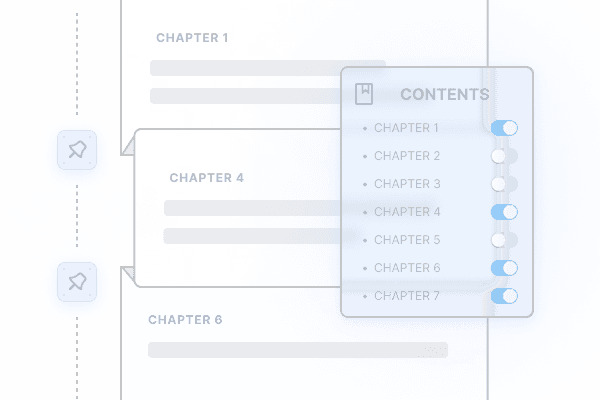
Control your book through its TOC. Merge multiple books, swap chapter order, fold away large blocks you don't need.

Look up references and online encyclopedias in-line, slice clips from online video courses — without leaving the app.

Synced scrolling between two documents. Every note auto-resolves back to the page it cites. Great for translations, lecture vs slides, exam vs key.
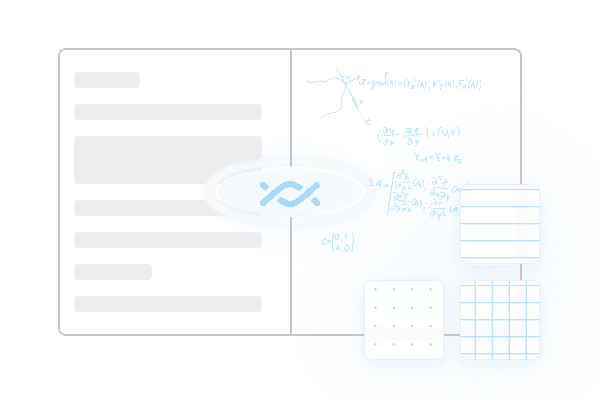
Infinite-paper notebook in many ruling styles, for free-form thinking and summary. Independent of any specific document page.
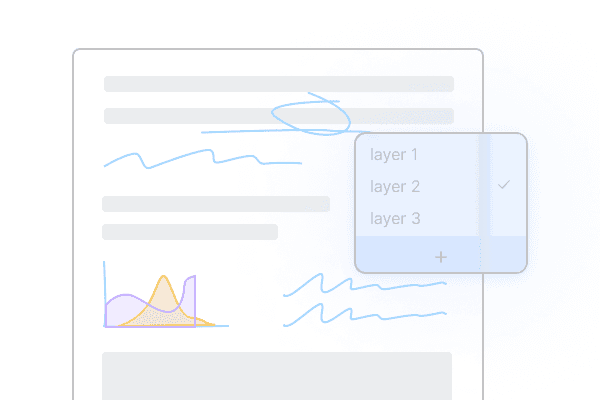
Switch between study notebooks and ink layers — re-read, redo problems, all on the same source book over multiple passes.
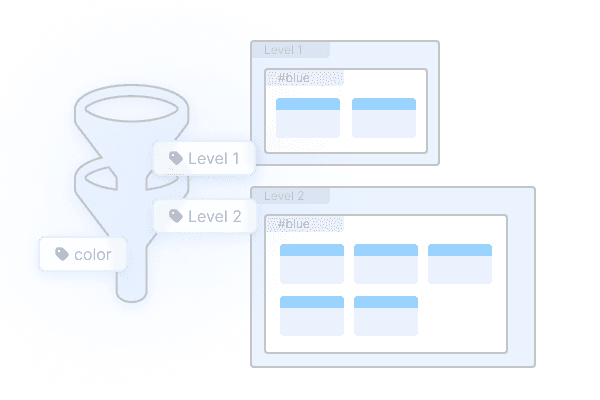
A visual kanban over your card box. Multi-level grouping and filtering — turn a chaotic mistake-bank into something sortable.
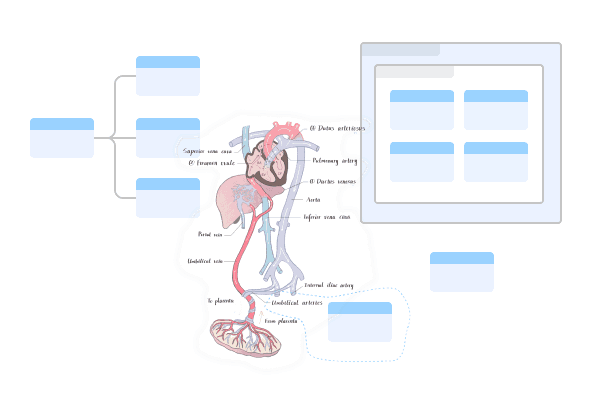
Rich brushes on an infinite canvas. Ink follows the layout when nodes move — your scribbles never drift.
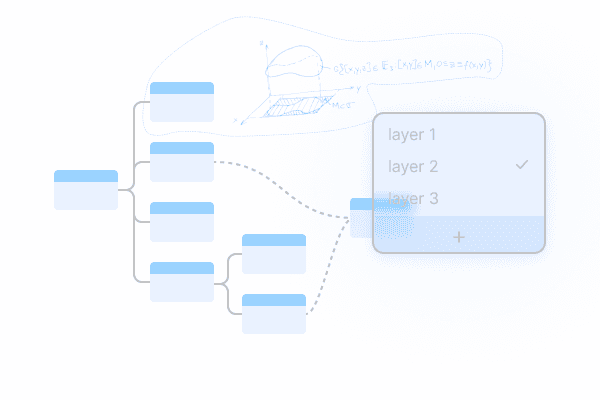
Reference existing knowledge cards in a separate space to build new structural understanding and overlays.

A plain-text editor view that shows the same map as a hierarchical outline. Different surface, same data.
Hide highlights and handwritten notes; cloze in the book itself; collapse Extended-Note cards. Re-reading becomes re-remembering.
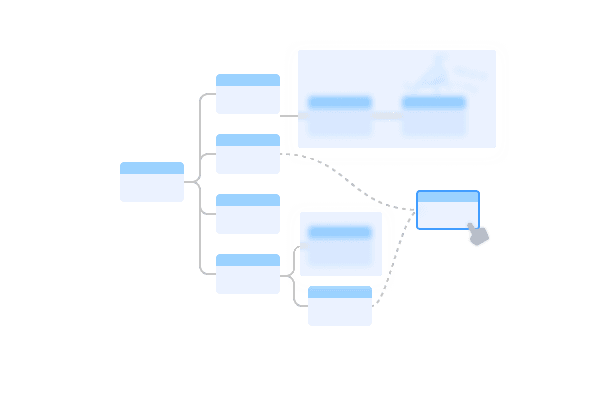
Progressive collapse of the knowledge frame; hide handwritten notes attached to cards; partial or full hiding of card content.

Faithful recording of the moment: stroke order, page state, mind map references, cross-link positions — replay them later.
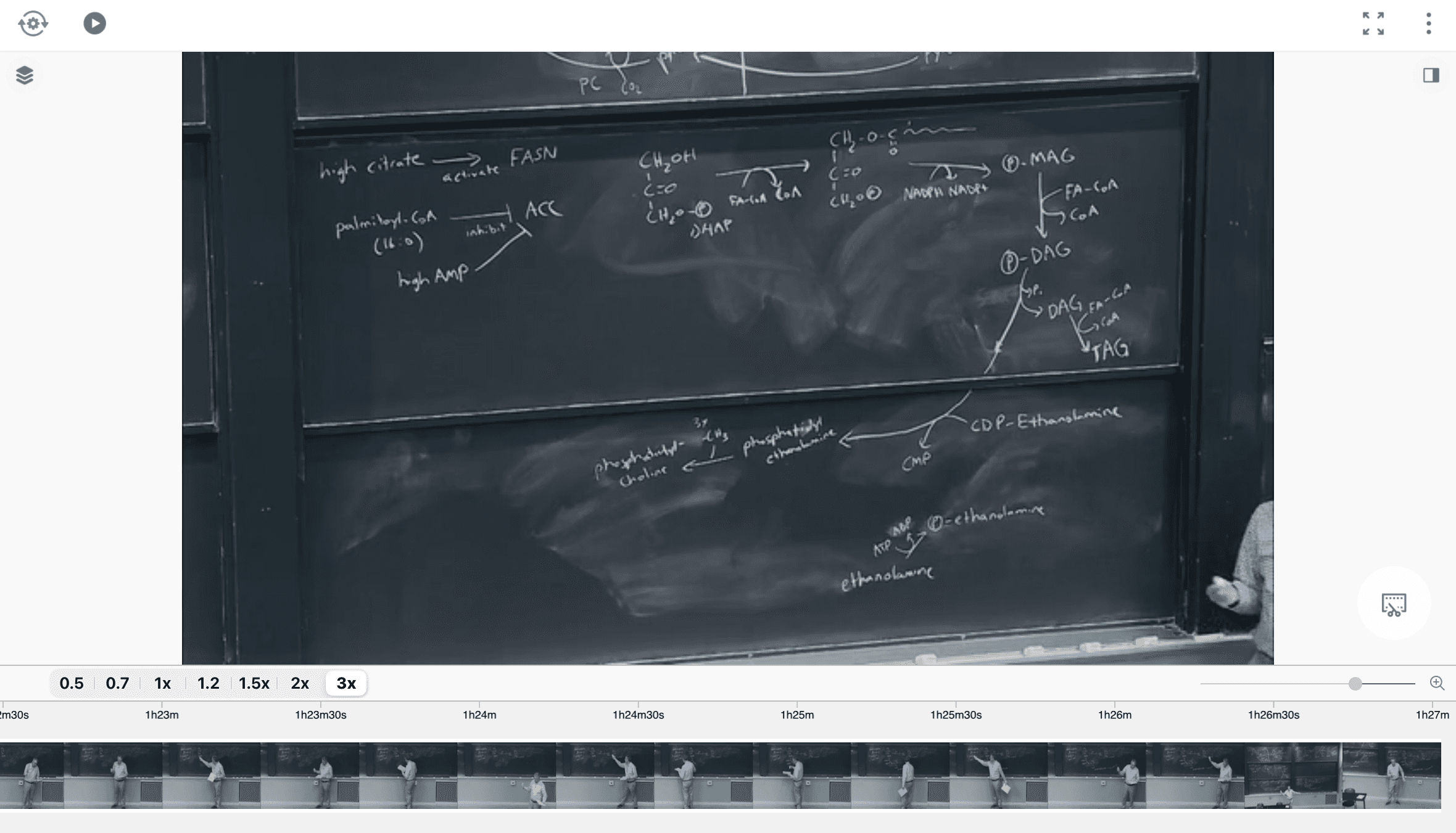
Local video plus YouTube / Bilibili online video. Speed control, keyframe clip extraction, subtitle-synced annotation.
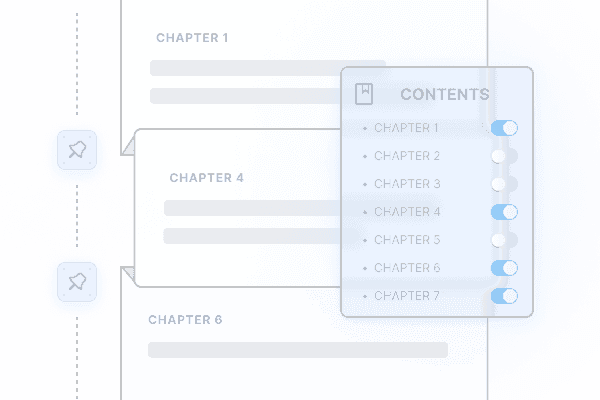
Chapter-level toggles plus cross-book splicing. Combine guidelines, textbooks, and articles into a personalized "exam book."
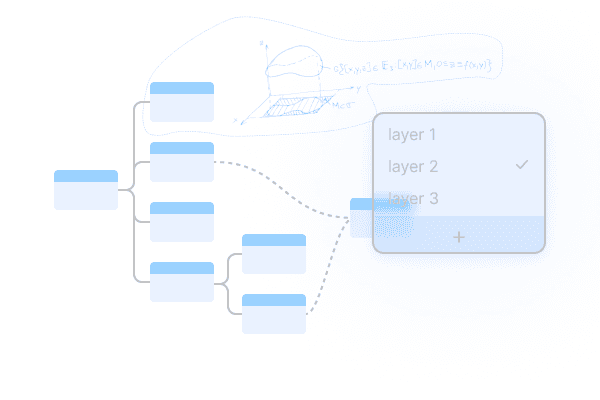
Multiple layers on the same map. View only the highlighted layer when reviewing, only the draft layer when authoring.
—— See how these land in real situations → Workflows; see when each was introduced → What's New